A long time ago, in a world where all applications were running on clients that was members of a Active Directory domain, the trust was strong with kerberos. Once you got that ticket from the domain controller, you could walk around in the empire of servers and applications and the ticket would grant you access. Today, when most clients are Entra ID joined, you will not get a kerberos ticket any more. Some apps will still work (modern), some will not (legacy). Stuck in this hybrid world, IT admins must balance between the new and the old world order. Often using hybrid joined devices or, delivering legacy apps from a virtual desktop or apps solution that is still member of an Active Directory domain. But what if there was another way?
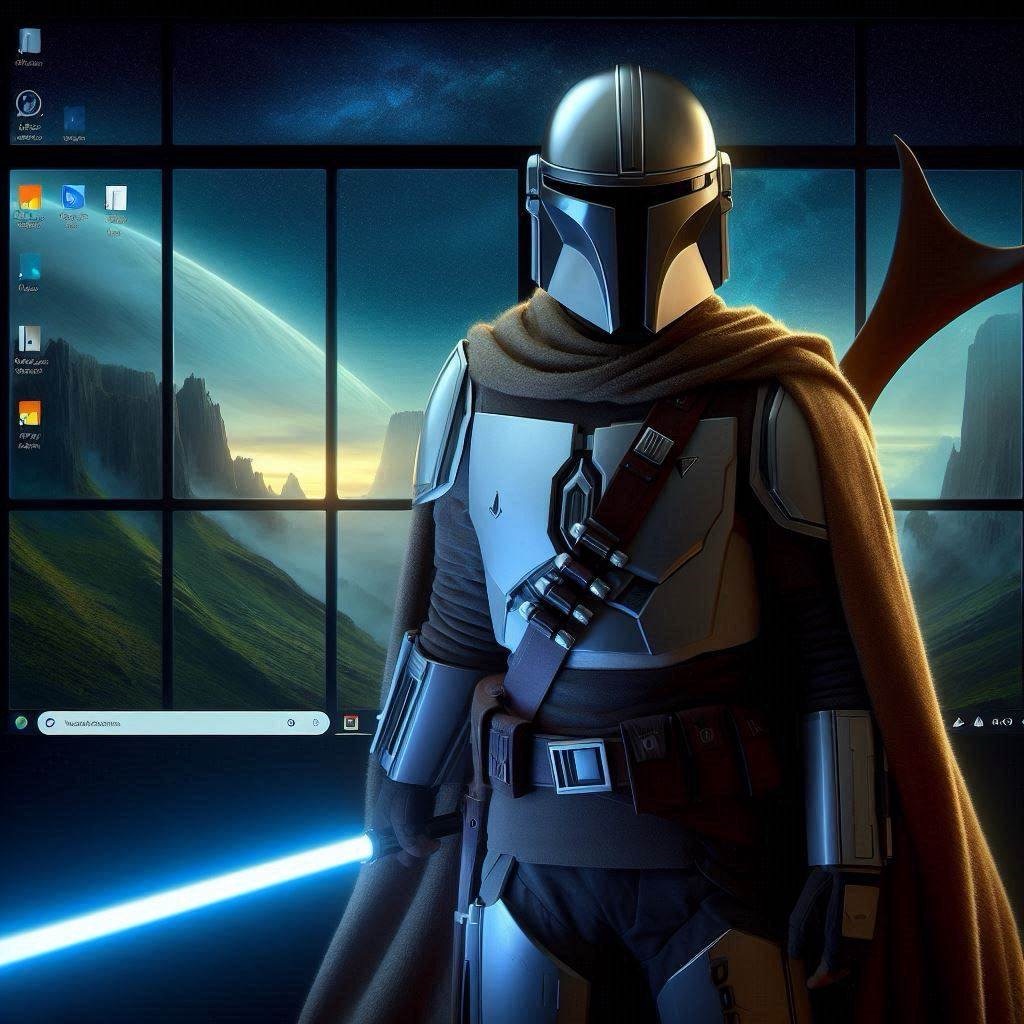
I’m using Starwars theme as a topic for this blogpost, because I have observed one thing in the starwars universe. There are two types of cool guys; the jedi’s and the mandalorians. Jedi’s are masters of the force, while mandalorians are masters of weapons and fighting skills. They have a conflicting past. But there are a new type of hybrids coming; Sabine Wren, and Grogu. They have chosen to go both ways. Use the best from both the Jedi Force skills, and the Mandalorian weapon and fighting skills. Both inside the starwars universe and outside fans, there are people that dislike this. It’s neither a true Jedi or a true Mandalorian. But as time and environment changes, there are needs for new hero’s, which can let past behind, combine ideas from multiple worlds into new possibilities.
Back to the IT world. There is also a new way. You can run legacy apps on a cloud only device, get a kerberos ticket without hybrid joining the device in Active Directory. There are two, or maybe three technologies you need to make this work.
Kerberos Trust
There are three ways this can be configured, Cloud kerberos trust, Key trust and Certificate trust. The last two requires PKI infrastructure in you Active Directory and works with hybrid and cloud only devices. Cloud kerberos trust works with cloud only devices only. I’m not going to go into details on how to configure this, it is well documented on Microsoft webpages and other blogs. Just keep in mind that the Cloud kerberos trust, can only be configured with one Entra ID tenant for one Active Directory domain. With this configured, you will get a full kerberos ticket, just like if you were member of the domain. Just check with klist command. Cloud only device shows an empty list until you onfigure Kerberos trust.
ZTNA (Zero Trust Network Access)
The next thing you need, is network access to your domain controllers and application servers from your client devices. If you want the benefit of a secure work from anywhere modern workstyle that cloud devices provide, you need a secure TCP connection from untrusted networks. This can be done with VPN, BUT that exposes too much of your inside network to your clients. ZTNA is in many ways, just a trimmed down VPN that provides access to just what you need based on your identity. The benfit of this is that you are not basing security on statict network silos but on «who you are». Much more dynamic and secure. Microsoft is soon to release their ZTNA product, Global Secure Access (GSA). The benefit of this is that it’s integrated into windows clients and the Microsoft cloud sphere. At current moment there are still some performance disadvantages with Microsoft GSA, but I assue it will improve in the future. But there are plenty of other good ZTNA vendors out there, like PaloAlto and Cloudflare for example.
Virtual Desktop
Do we still need virtual desktops? Yes! But not for everyone. There are 3 main use cases:
1. Remote access from high latency clients. For many reasons the distance from where the client is and where the data and applications are, can be higher than what makes a reasonable user experience. It depends a lot on the application but most legacy apps communicates using TCP with a middleware application server or directly with a database or file server. Depending on how chatty the application is, the performance degrades exponentially with higher latency. Keeping it low (1-10 ms) is important. Virtual desktop puts you client where the data is (low latency) and streams the image to you. How far you can stream a virtual desktop is a blogpost of its own, but roughly 1-150ms is considered good user experience, 150-300 is acceptable, above 300 is bad.
2. Access from unmanaged, untrusted or unsupported devices and operatingsystems. By using a virtual desktop, you can provide secure access to a managed virtual desktop, from unmanaged ones.
3. Access to high performance computers. In the cloud you can get access to really high performing machines with GPU and pay only for what you use. No need to buy noisy expensive workstations for heavy processing. No need to tie engineers to a physical location.
There are probably other use cases as well. If you need a virtual desktop in 2024 and beyond you should NOT build your own VDI solution. Use a DaaS solution like Microsoft AVD or Windows 365, Citrix DaaS, Dizzion, Workspot, Omnissa etc. This will enable you to spend as little resources possible to maintain the complexity of a Virtual Desktop Infrastructure, keep you allways updated with latest security and feature updates from the vendor. You can focus on managing the desktop itself, not the infrastructure.
Speaking about managing virtual desktops. For as long as I can remember this has been done very effectively with golden image, machine cloning and active directory. This is good, but leads to problems with userprofile management etc. Now that we have kerberos trust from Entra ID joined devices, we can now manage it all in ONE way for virtual and physical desktops. With intune! This is where the old golden image admin in me is crying out «blasphemy!». But as I mentioned in the introduction, it is time for a new way. The Jedilorian. This is exactly what Microsoft is doing with Windows 365. And it works. A personal virtual desktop, you install applications using intune, configure policies using intune, and there is no need for userprofile pains, because it is persistent! Isn’t that expensive? Actually, if you compare the cost of on-premises server hardware cost, licenses, hypervisor tax, RDS CAL’s, power, cooling etc, you’ll find that the Windows 365 enterprise is actually cheaper, than a traditional non-persistent on-premises pooled desktops. And you also save a lot because you only need a virtual desktop for some usecases like mentioned above. The other clients can access applications directly without a virtual desktop. Another issue is that Windows 365 runs in the cloud and you may still have servers on-premises. Depending on where your datacenter is, this may be too far away to provide low enough latency for your apps. But there are now many Microsoft datacenters close to big cities around the world. I have seen as low as 2 ms latency between Azure and on-premises datacenters. That is good enough for 99% of applications in my experience.
Windows 365 can be provisioned with a network card inside your own subscription, and you can configure connectivity from there to you datacenter. But you may not have to do that. Remember that we used ZTNA for the physical clients to access the datacenter? Why not use this on the virtual desktops as well. The virtual desktop is personal and persistent. Now you can provide ZTNA from your virtual desktops as well. All identity driven access. And it opens up a lot of new possibilities like Secure Access Workstations.
Have you seen the light yet? This is the way, the new way, be both a jedi and a mandalorian. Kerberos Trust + ZTNA + Intune managed DaaS. May the modern workforce be with you!

 Digital Workplace Blog
Leave a comment